Couples & households
Budget together, and keep private things private
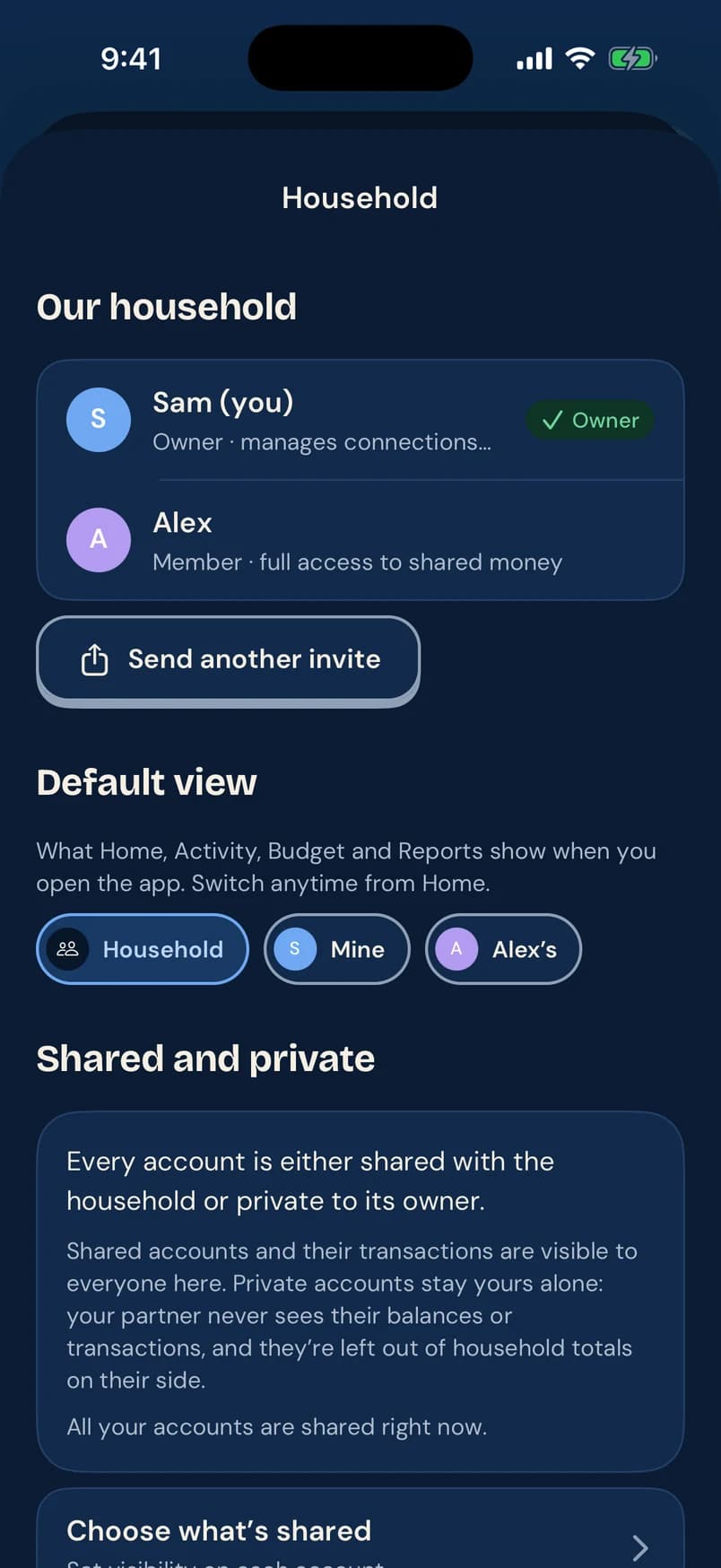
Sharing money doesn’t mean sharing every account. In Pennyjay you plan together in one household, and any account can stay private to the person who owns it.
How it works
Invite your partner
Send an invite from the Household screen. They join your household with full access to shared money.
Choose what’s shared
Each account is shared with the household or private to its owner. Private balances and transactions stay out of the other person’s view and totals.
Switch views anytime
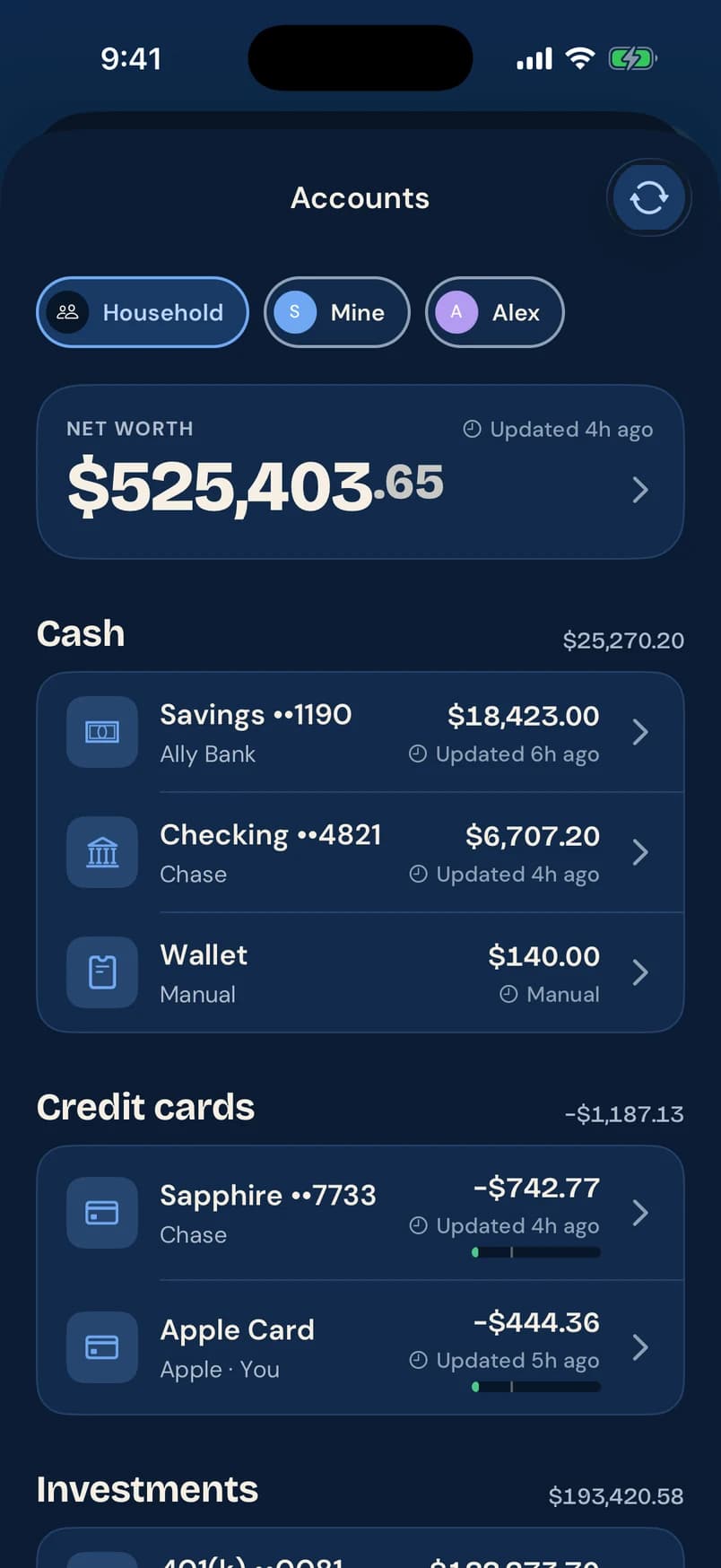
Home, Activity, Budget and Reports can show the Household, just your money, or just theirs.
The details
Mine, yours, ours
Each person picks the view they open to, and can switch from Home in one tap.
Review together
Rules can flag transactions for review by a specific person, so the right person checks each charge.
One plan, two phones
Budgets, bills, goals and safe to spend reflect the shared household, on iPhone and Android alike.
Questions
Can my partner and I see different things?
Yes. Any account can be private to its owner; its balances and transactions are left out of the other person’s view and household totals.
Do we need the same kind of phone?
No. Pennyjay is built for iPhone and Android from day one.
Who can change shared budgets?
Members of the household have full access to shared money, including budgets, bills and goals.
More in Pennyjay
- BudgetsBudget by category, with one flexible number, or paycheck to paycheck. See what’s left per day and where you should be today, with rollovers.Learn more
- Safe to spendSee what’s safe to spend until your next paycheck, after bills, planned savings and a buffer, with a projected balance and the math behind it.Learn more
- Net worth & cash flowTrack net worth across cash, cards, investments and loans, see where every paycheck went, and follow your portfolio’s allocation and performance.Learn more
Be first in the nest
Pennyjay is coming to iPhone and Android. Leave your email and we’ll tell you when you can download it.